TestDriver
AI code reviewer that actually runs your app and tests every pull request
About TestDriver
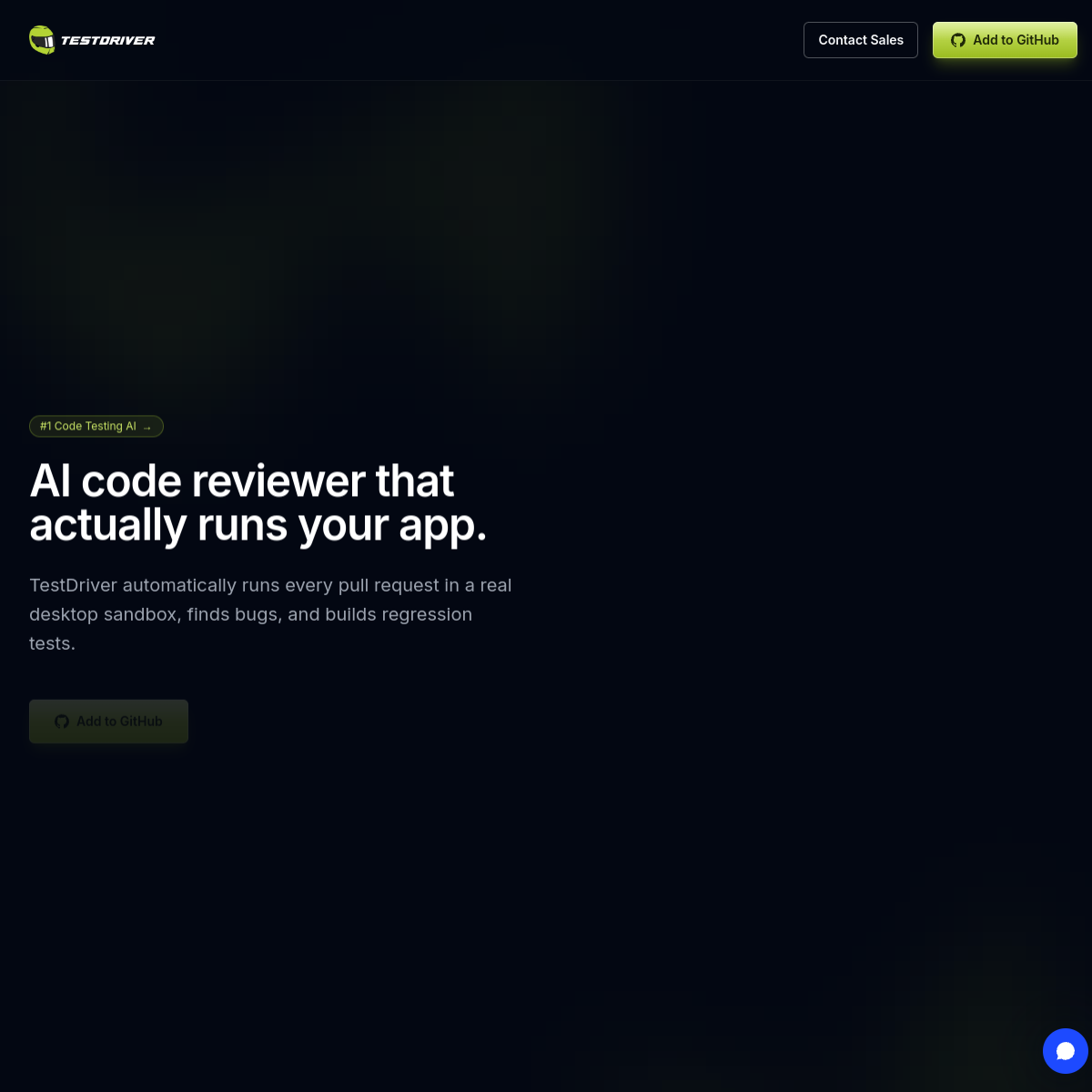
TestDriver pitches itself as "the AI code reviewer that actually runs your app." That word "actually" is doing heavy lifting. Most AI code review tools read the diff and comment on style. TestDriver automatically runs every pull request in a real environment, interacts with the application like a user would, and reports whether things actually broke.\n\nThe distinction matters because the gap between code that looks correct and code that works is where most bugs live. A reviewer that only reads diffs can tell you a function is missing error handling. A reviewer that runs the app can tell you the checkout flow crashes when you use a discount code with a specific combination of items in the cart. The second finding is infinitely more valuable than the first.\n\nThe GitHub integration (Add to GitHub button) means this fits into existing CI/CD workflows. The pull request review happens automatically rather than requiring a separate testing step. The pricing page and docs section suggest this is a mature product, not an experiment.\n\nThe target user is any engineering team that wants to catch integration bugs before merge without writing comprehensive end-to-end tests for every PR. The competitive landscape includes traditional E2E testing tools (Playwright, Cypress) and newer AI testing platforms. TestDriver differentiates by being autonomous: it figures out what to test without you writing test scripts. Whether it actually catches real bugs or just generates confidence-inspiring noise is the question that determines its value.
At a glance
What it is
AI code reviewer that actually runs your app and tests every pull request
Pricing
Free
Primary category
Video
Source code
Closed source / hosted
What to consider before using TestDriver
TestDriver is one of many tools in its category. Before committing to it, weigh a few practical points that tend to decide whether a tool actually fits your work:
- Match the tool to your real task, not to its feature count. A tool that excels at your specific job beats one with a longer checklist you will never use.
- Check how it fits your existing workflow — integrations, export formats, and whether the output needs heavy manual cleanup.
- Read the license and pricing terms for commercial use, especially if you plan to publish or resell what the tool produces.
We describe TestDriver and its alternatives honestly so you can compare on substance. Browse the similar tools below to see how it stacks up against other options in the same category.