Vid2Notes
Video lectures into illustrated notes with screenshots and timestamps
About Vid2Notes
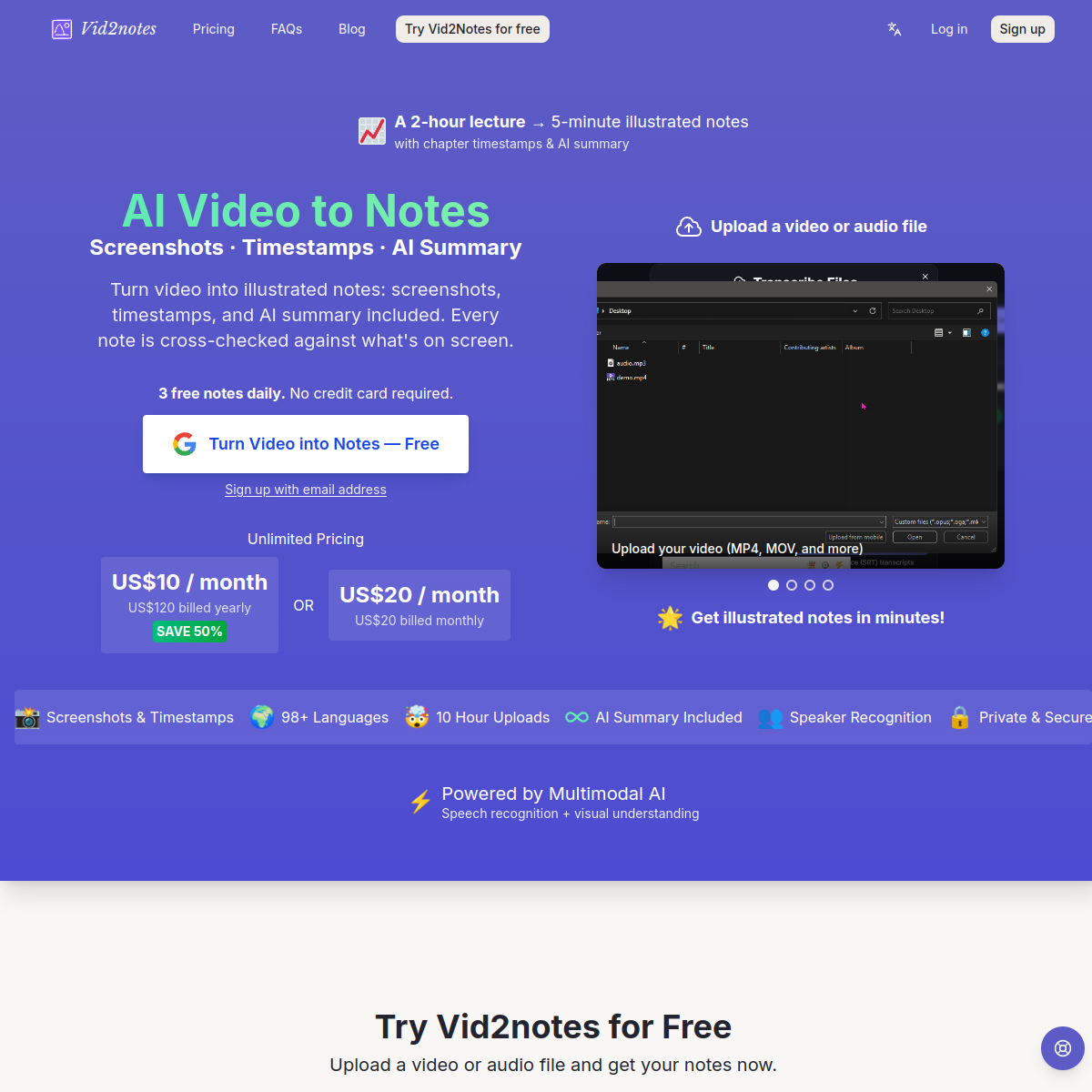
Vid2Notes turns long videos and audio into illustrated, chaptered notes: it transcribes the speech, analyzes what's on screen, grabs key screenshots, adds timestamps, organizes everything into chapters, and tops it off with an AI summary. A two-hour lecture collapses into five minutes of reading with the exact slides attached where they belong. What separates it from plain transcription is the visual layer — screenshots anchored to timestamps mean the notes work as a standalone study artifact, not just a wall of text. Exports to Markdown, CSV, TXT, SRT and VTT cover the formats students and creators actually use. Who it's for: students processing recorded lectures, professionals sitting through hour-long webinars, podcast listeners who want searchable show notes, and anyone building study material from video courses. Pricing starts around $10/month for volume beyond the free tier. If your watch-later queue is measured in days of footage, this converts it into something your brain can actually process.
At a glance
What it is
Video lectures into illustrated notes with screenshots and timestamps
Pricing
Freemium
Primary category
Productivity
Source code
Closed source / hosted
What to consider before using Vid2Notes
Vid2Notes is one of many tools in its category. Before committing to it, weigh a few practical points that tend to decide whether a tool actually fits your work:
- Match the tool to your real task, not to its feature count. A tool that excels at your specific job beats one with a longer checklist you will never use.
- Check how it fits your existing workflow — integrations, export formats, and whether the output needs heavy manual cleanup.
- Read the license and pricing terms for commercial use, especially if you plan to publish or resell what the tool produces.
We describe Vid2Notes and its alternatives honestly so you can compare on substance. Browse the similar tools below to see how it stacks up against other options in the same category.