unquestion
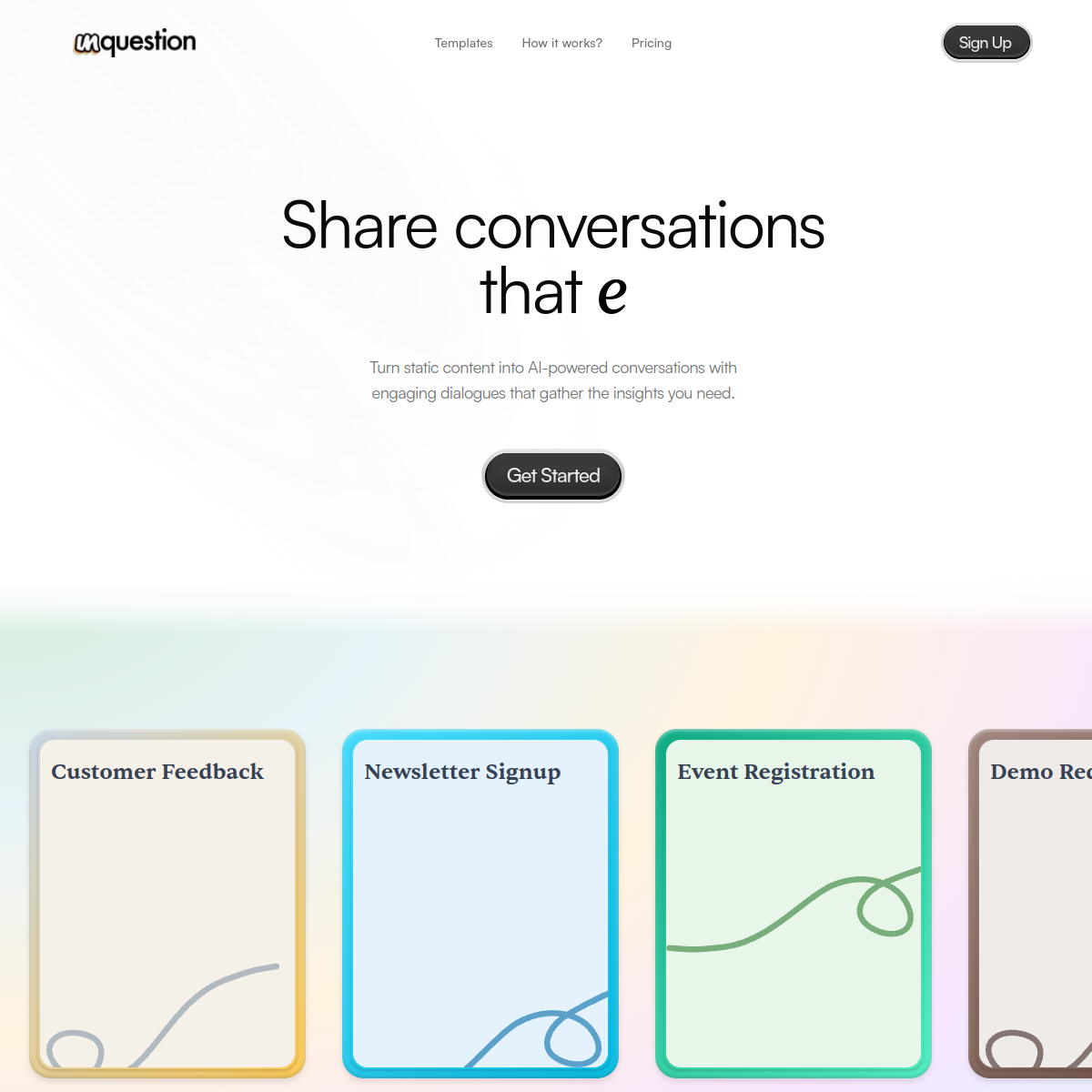
Turn static content into AI-powered conversations that engage and get answers
About unquestion
Unquestion transforms static content into interactive AI-powered conversations. The homepage positions it as a way to "share conversations that engage" and "turn static content into AI-powered conversations." The templates and pricing sections suggest this is a content engagement tool rather than a chatbot builder.\n\nThe use case is interesting. Blog posts, documentation, and marketing pages are one-way communication. Readers consume passively. Unquestion turns that into a two-way dialogue where the reader can ask questions, explore tangents, and get personalized responses based on the content. This is essentially an interactive FAQ or a content-aware chatbot layered on top of existing materials.\n\nThe templates section implies they provide pre-built conversation patterns for common content types (product pages, tutorials, case studies). The "how it works" section would explain the technical setup, likely involving pointing Unquestion at your content URL or pasting your text, and it generates an embeddable conversational interface.\n\nThe target users are content marketers, documentation teams, and educators who want to increase engagement with their written materials. The competition includes traditional chatbot platforms (Intercom, Drift) and AI search tools (Algolia AI). Unquestion differentiates by focusing specifically on conversational engagement with existing content rather than generic customer support or site search.
At a glance
What it is
Turn static content into AI-powered conversations that engage and get answers
Pricing
Free
Primary category
Chatbots
Source code
Closed source / hosted
What to consider before using unquestion
unquestion is one of many tools in its category. Before committing to it, weigh a few practical points that tend to decide whether a tool actually fits your work:
- Match the tool to your real task, not to its feature count. A tool that excels at your specific job beats one with a longer checklist you will never use.
- Check how it fits your existing workflow — integrations, export formats, and whether the output needs heavy manual cleanup.
- Read the license and pricing terms for commercial use, especially if you plan to publish or resell what the tool produces.
We describe unquestion and its alternatives honestly so you can compare on substance. Browse the similar tools below to see how it stacks up against other options in the same category.