RemoveZero
AI background removal built for product imagery, down to the shoelaces
About RemoveZero
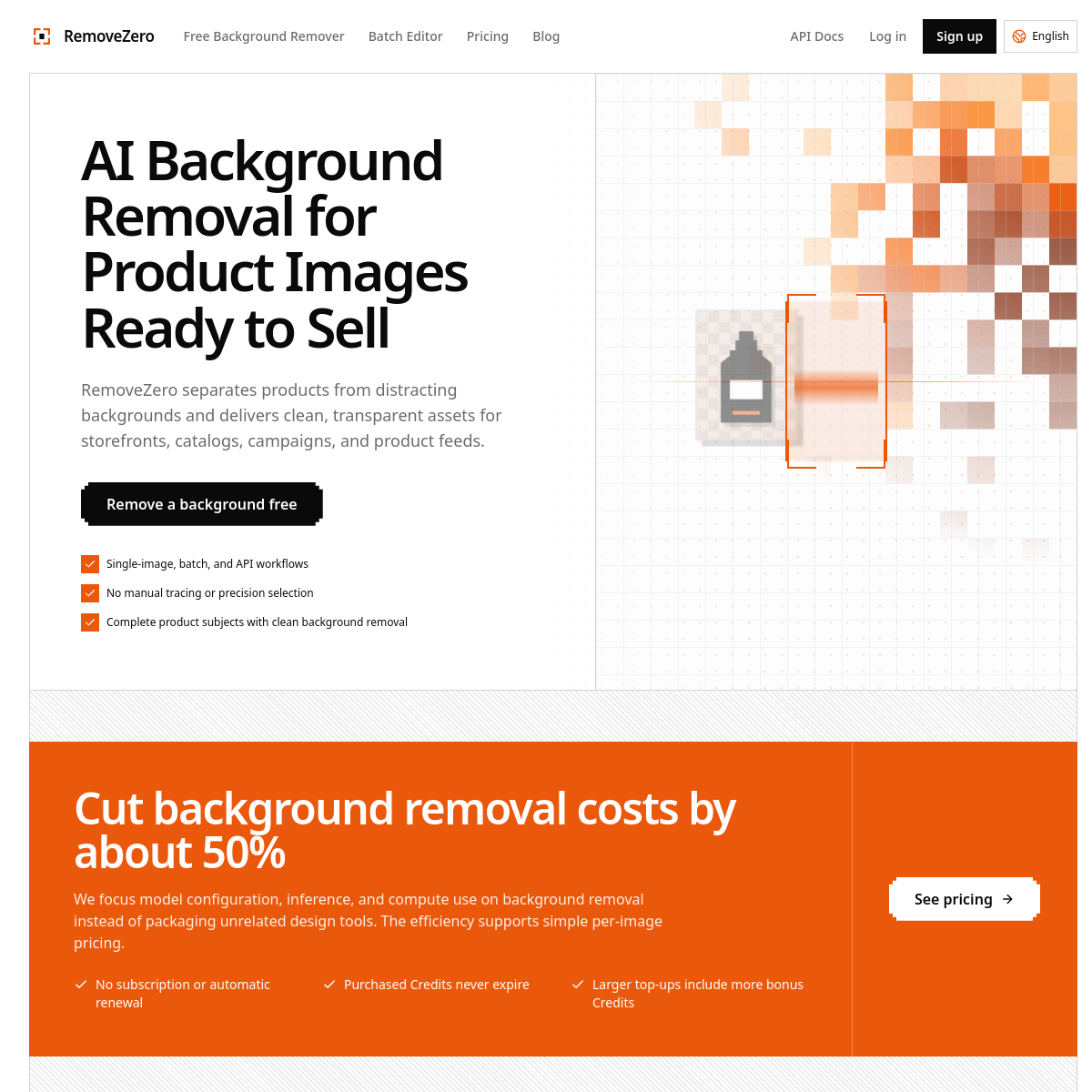
RemoveZero is an AI background remover tuned for product photography: free single-image removal, paid batch processing, and an API for automation. The selling points are the fiddly details most removers botch — shoelaces, furniture gaps, glass surfaces, glossy packaging, highlights and reflections survive the cutout — and output comes as watermark-free transparent PNG/WebP or clean white-background versions ready for e-commerce feeds.\n\nMultilingual support (English, Indonesian, Portuguese, Thai, Spanish, Japanese, Vietnamese, Chinese) hints at who this is really for: marketplace sellers, where listing imagery quality directly moves conversion.\n\nWho it's for: online store owners refreshing catalogs, agencies producing product feeds at volume, and anyone whose current background remover keeps eating thin straps and transparent lids. Free tier covers occasional single images; batch and API pricing kicks in for store-scale work. Test it against your worst product — the shiny, transparent, or string-heavy ones — since that's exactly where these tools separate.
At a glance
What it is
AI background removal built for product imagery, down to the shoelaces
Pricing
Freemium
Primary category
Image Generation & Editing
Source code
Closed source / hosted
What to consider before using RemoveZero
RemoveZero is one of many tools in its category. Before committing to it, weigh a few practical points that tend to decide whether a tool actually fits your work:
- Match the tool to your real task, not to its feature count. A tool that excels at your specific job beats one with a longer checklist you will never use.
- Check how it fits your existing workflow — integrations, export formats, and whether the output needs heavy manual cleanup.
- Read the license and pricing terms for commercial use, especially if you plan to publish or resell what the tool produces.
We describe RemoveZero and its alternatives honestly so you can compare on substance. Browse the similar tools below to see how it stacks up against other options in the same category.