Magic Layers
Split any flat image into named, editable transparent layers
About Magic Layers
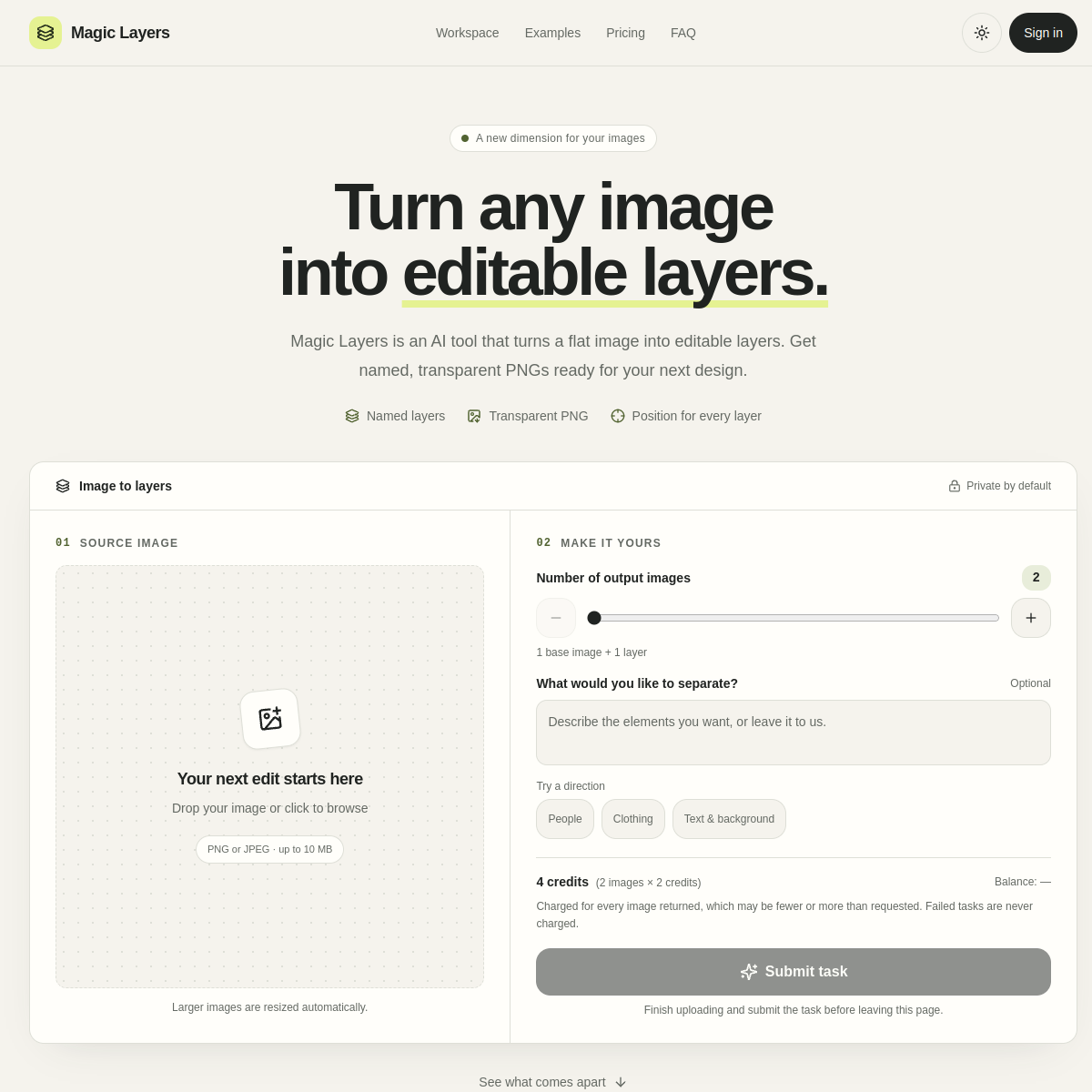
Magic Layers takes a flat PNG or JPEG and separates it into layers: the text, the subject, decorations, and background each come back as a named transparent PNG with its position recorded, ready to download and edit anywhere. The naming matters more than it first appears, because a layer called product bottle is something you can act on, while an unnamed selection is something you have to re-inspect. You can optionally describe what to separate in plain words, and larger images are auto-resized before processing. The privacy note on the page states images stay private, and the whole interaction is one drag-and-drop with no account. The obvious customer is anyone doing banner rework, translation of image text, or design handoffs where the source file is long gone and only a flattened export survives. Compared with rebuilding an image from scratch in an editor, getting usable layers back in seconds changes which jobs you accept at all.
At a glance
What it is
Split any flat image into named, editable transparent layers
Pricing
Freemium
Primary category
Image Generation & Editing
Source code
Closed source / hosted
What to consider before using Magic Layers
Magic Layers is one of many tools in its category. Before committing to it, weigh a few practical points that tend to decide whether a tool actually fits your work:
- Match the tool to your real task, not to its feature count. A tool that excels at your specific job beats one with a longer checklist you will never use.
- Check how it fits your existing workflow — integrations, export formats, and whether the output needs heavy manual cleanup.
- Read the license and pricing terms for commercial use, especially if you plan to publish or resell what the tool produces.
We describe Magic Layers and its alternatives honestly so you can compare on substance. Browse the similar tools below to see how it stacks up against other options in the same category.