RasterToSVG
Convert PNG artwork into clean, editable SVG vectors with gradients intact
About RasterToSVG
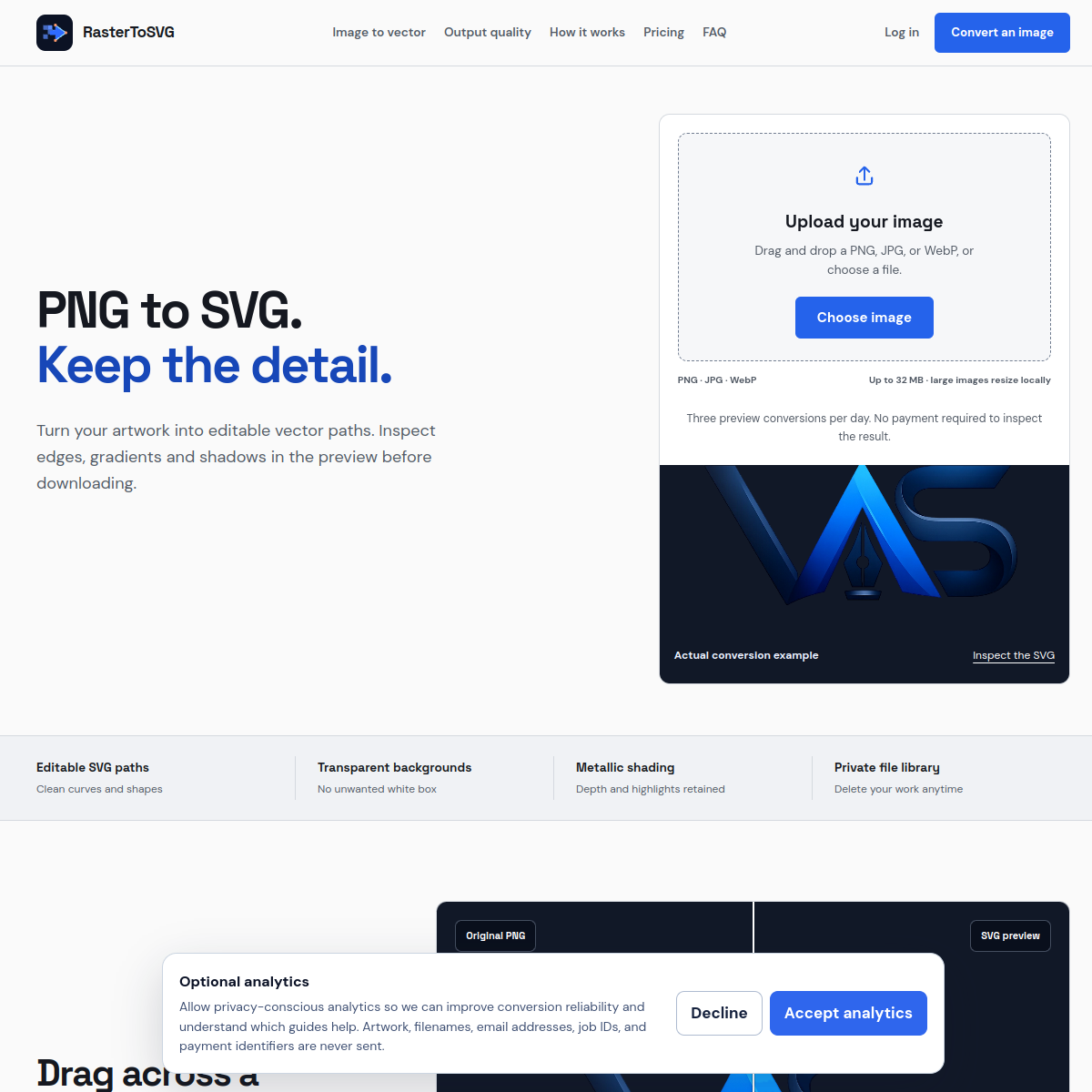
RasterToSVG converts PNG, JPG, and WebP artwork into clean editable SVG vectors, accepting files up to 32 megabytes with large images resized locally in the browser before upload. The differentiators it leans on are the ones that actually decide whether a vectorization is usable: transparent backgrounds preserved, smooth curves instead of jagged traced edges, metallic gradients kept as gradients rather than banded color steps, and visual depth retained instead of flattened. Anyone who has run a logo through a free auto-tracer and received a shattered mosaic of mismatched paths knows the gap between technically SVG and professionally usable SVG. The workflow includes a live SVG preview before you commit, a saved file library for repeat work, and options for handling solid background removal as part of the conversion. Logos, icons, and illustrations are the stated targets, which covers the designer rescue jobs, reviving client art that only exists as a low-resolution raster, where this converts an evening of manual re-tracing into a few minutes. Commercial licensing details are on the site.
At a glance
What it is
Convert PNG artwork into clean, editable SVG vectors with gradients intact
Pricing
Freemium
Primary category
Image Generation & Editing
Source code
Closed source / hosted
What to consider before using RasterToSVG
RasterToSVG is one of many tools in its category. Before committing to it, weigh a few practical points that tend to decide whether a tool actually fits your work:
- Match the tool to your real task, not to its feature count. A tool that excels at your specific job beats one with a longer checklist you will never use.
- Check how it fits your existing workflow — integrations, export formats, and whether the output needs heavy manual cleanup.
- Read the license and pricing terms for commercial use, especially if you plan to publish or resell what the tool produces.
We describe RasterToSVG and its alternatives honestly so you can compare on substance. Browse the similar tools below to see how it stacks up against other options in the same category.