Nymos
Mac bulk file renamer that reads document content instead of filenames
About Nymos
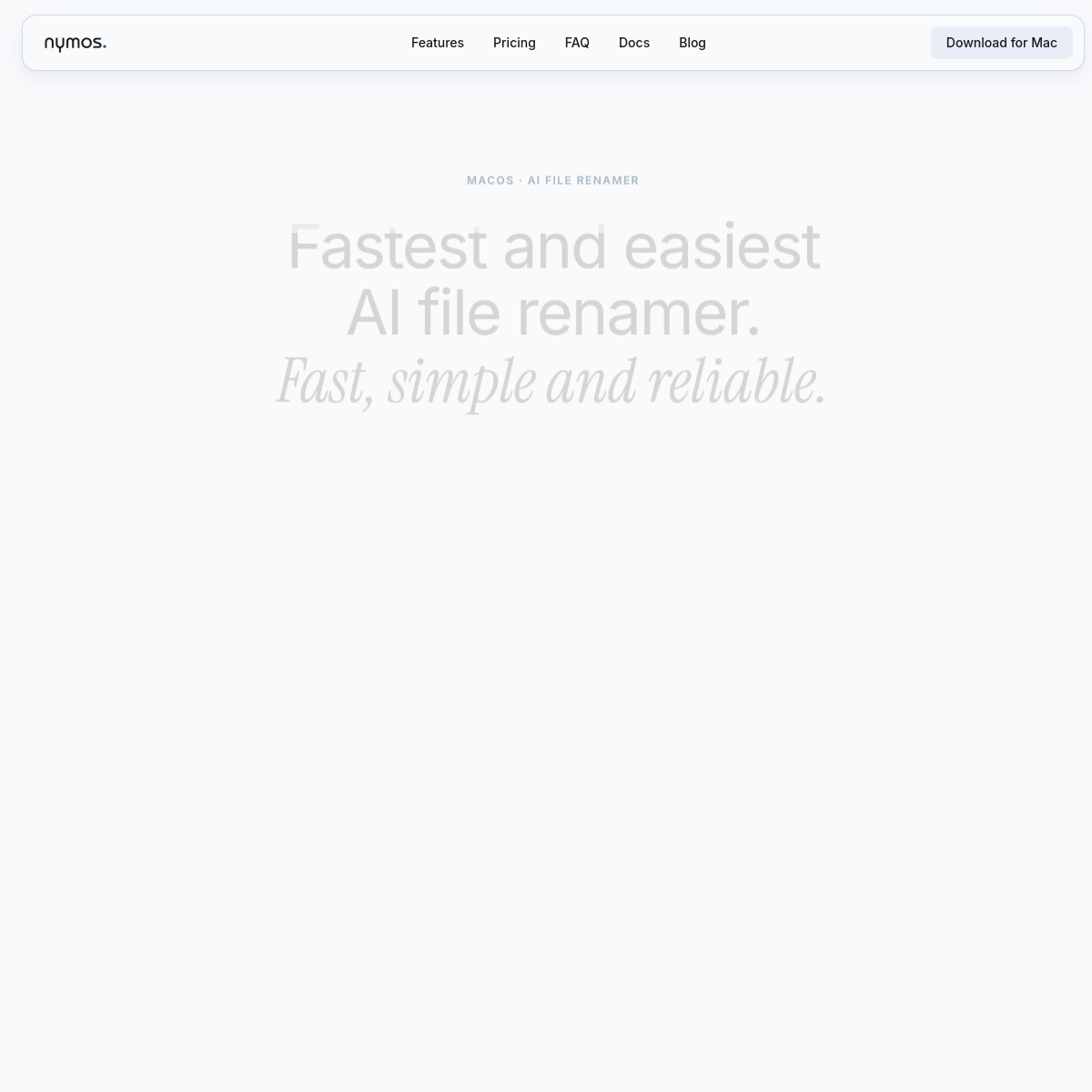
Nymos is a Mac app that renames files in bulk by reading what is inside them. The homepage puts it plainly: Nymos reads your documents, invoices, photos, PDFs and more. Not the filename, the contents, which is a distinction that anyone with a Downloads folder full of scan_0043.pdf and IMG_8821.jpg understands in their bones.\n\nThe honest engineering details are on display. It processes text, embedded metadata, and EXIF, runs built-in OCR over scanned pages, and supports fifty-plus formats. The dealmakers sit right under the download button: 60 documents free, no account, no credit card, and review first, nothing renames without your approval. That last one matters more than any model quality claim, because the nightmare scenario of bulk renaming is an AI confidently mangling two thousand files at once, and requiring a human review step before anything touches disk is the only sane architecture.\n\nEverything runs locally on the Mac, so contracts and scans never leave the machine, a selling point for anyone whose files are covered by confidentiality obligations.\n\nWho is this for? Consultants, accountants, designers, and researchers sitting on years of badly named files, plus anyone who scans paper and hates the resulting filename soup. It is a native Mac tool, free to start, info@nymos.ai is public as info@nymos.io, and the sixty-document trial is exactly enough to test it on one real disaster folder before paying.
At a glance
What it is
Mac bulk file renamer that reads document content instead of filenames
Pricing
Freemium
Primary category
Productivity
Source code
Closed source / hosted
What to consider before using Nymos
Nymos is one of many tools in its category. Before committing to it, weigh a few practical points that tend to decide whether a tool actually fits your work:
- Match the tool to your real task, not to its feature count. A tool that excels at your specific job beats one with a longer checklist you will never use.
- Check how it fits your existing workflow — integrations, export formats, and whether the output needs heavy manual cleanup.
- Read the license and pricing terms for commercial use, especially if you plan to publish or resell what the tool produces.
We describe Nymos and its alternatives honestly so you can compare on substance. Browse the similar tools below to see how it stacks up against other options in the same category.