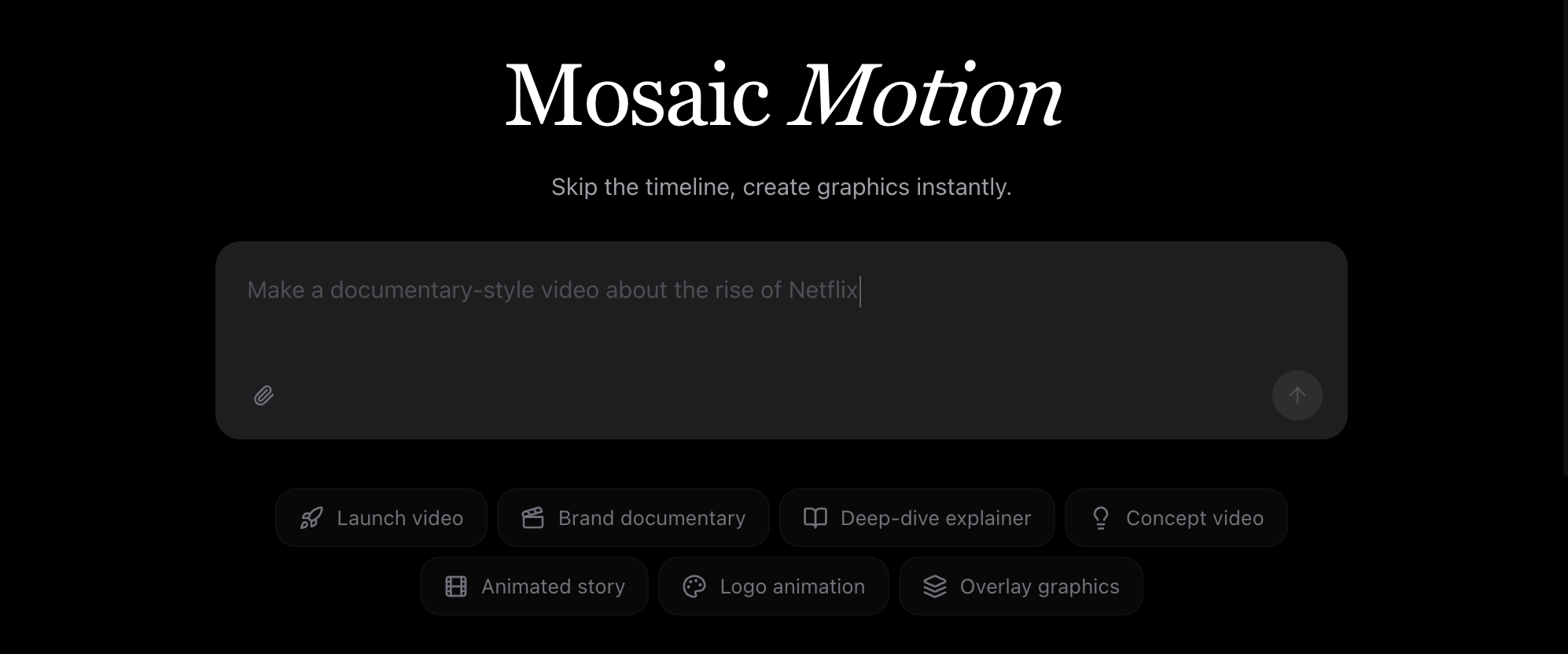
Motion
An agent for motion design — describe a video, get a finished render
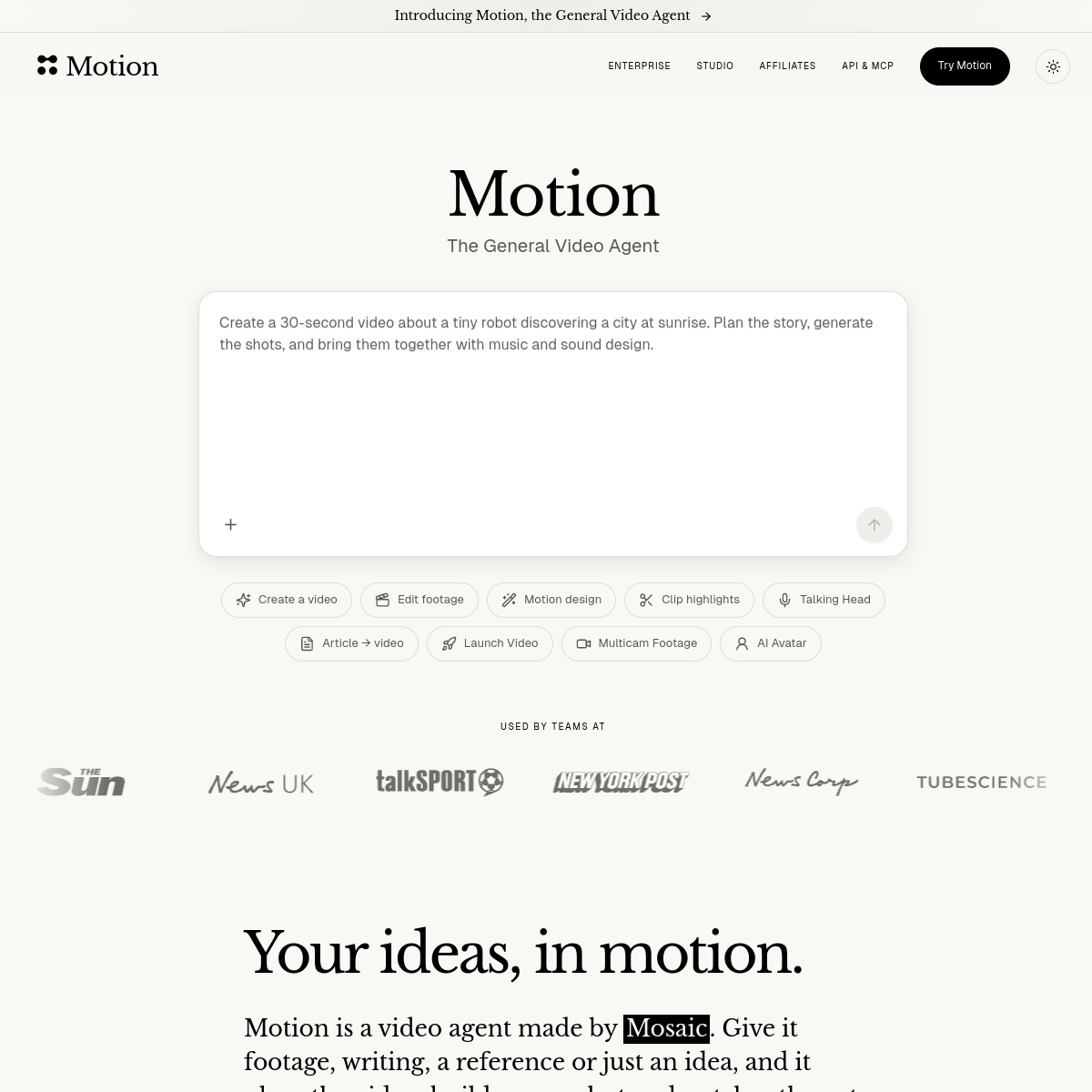
About Motion
Motion is an agent for motion design: describe a video in a sentence — a launch video, product demo, explainer or social ad — and it researches your brand, develops the creative direction, storyboards, produces the visuals and motion graphics, adds voiceover, music and captions, and renders a finished piece. It works in the browser and connects to Claude, ChatGPT, Cursor and anything MCP-speaking, so you can drive it from the tools you already use.\n\nOne standout feature: it turns existing posts or newsletters into videos, which is a very real "I wrote this, now I need the video version" workflow.\n\nWho it's for: founders and small marketing teams who need motion-design output but can't justify a motion designer for every launch. The agent framing (it researches and decides, not just template-fills) is what separates it from template video makers. Worth testing with a real launch: judge whether the brand research actually lands your voice, since that's the difference between a usable draft and a template with your logo on it.
At a glance
What it is
An agent for motion design — describe a video, get a finished render
Pricing
Paid
Primary category
Video
Source code
Closed source / hosted
What to consider before using Motion
Motion is one of many tools in its category. Before committing to it, weigh a few practical points that tend to decide whether a tool actually fits your work:
- Match the tool to your real task, not to its feature count. A tool that excels at your specific job beats one with a longer checklist you will never use.
- Check how it fits your existing workflow — integrations, export formats, and whether the output needs heavy manual cleanup.
- Read the license and pricing terms for commercial use, especially if you plan to publish or resell what the tool produces.
We describe Motion and its alternatives honestly so you can compare on substance. Browse the similar tools below to see how it stacks up against other options in the same category.