Kling 4.0 AI Video Generator
Multi-shot cinematic video from text and images with director-grade controls and native audio
About Kling 4.0 AI Video Generator
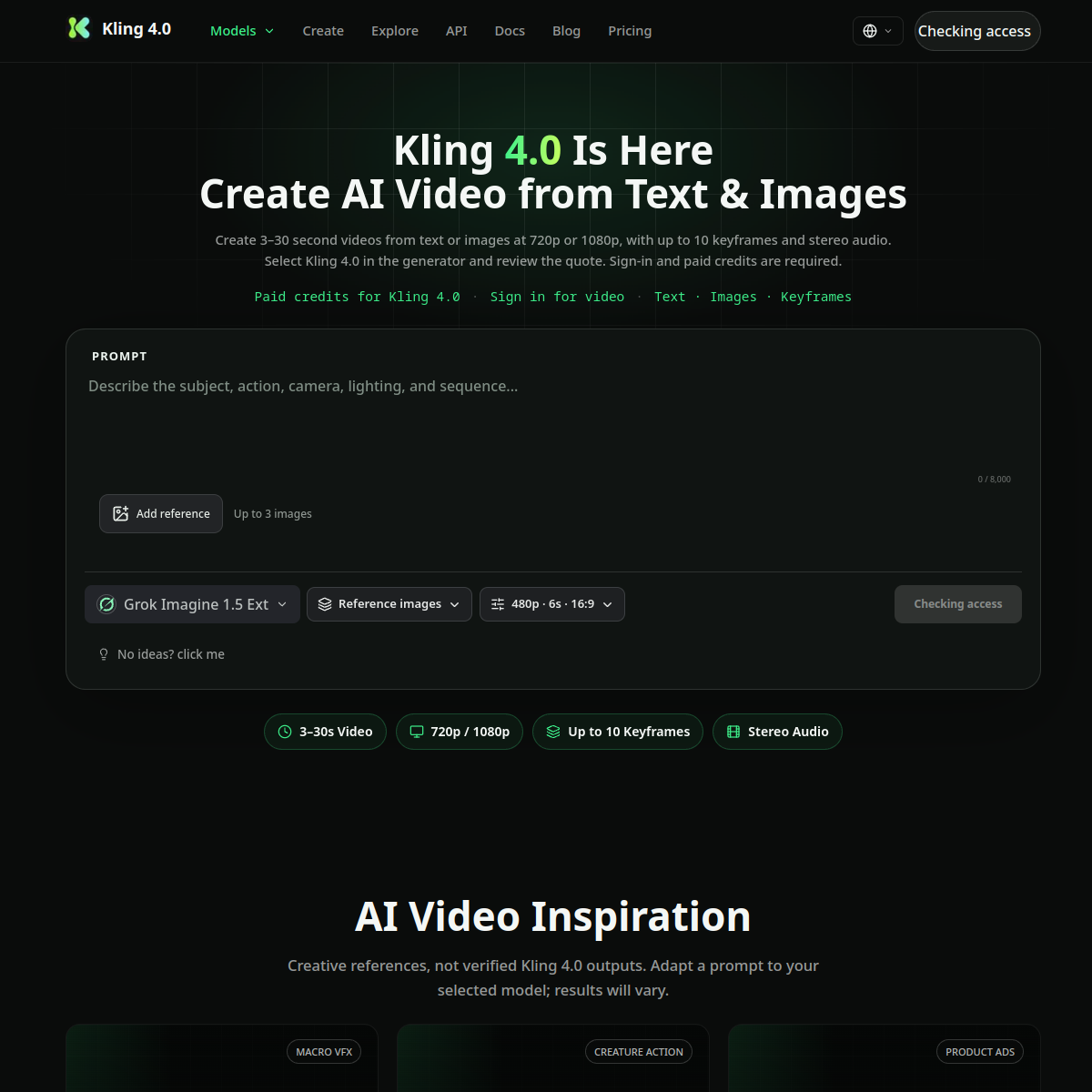
The Kling 4.0 generator at kling-4.ai lists its differentiators in one dense line: turn text or images into multi-shot cinematic video, with director-grade control, physically real motion, native audio, and consistent characters across shots. Every phrase in that sentence answers a specific complaint about last-generation video models, and that mapping is worth unpacking.\n\nMulti-shot means one generation can hold several cuts without the visual style collapsing between them, which is the difference between a clip and a scene. Native audio kills the silent-film problem where every generated video needed a separate music and foley pass. Consistent characters across shots addresses the most shared frustration of all, a protagonist whose face re-rolls every three seconds. Director-grade control points at camera and motion parameters rather than a single prompt box.\n\nThe site adds an API and docs in the nav alongside pricing, which suggests it courts builders as well as creators, and support is public at support@kling-4.ai. Note this is a wrapper around the Kling model rather than Kling's official outlet, so compare per-second pricing with the official product before committing. Who is this for? Short-form creators and ad teams producing narrative snippets who were burned by inconsistency in earlier tools. The test is a two-character dialogue scene with camera movement, precisely the scenario weaker models fall apart on.
At a glance
What it is
Multi-shot cinematic video from text and images with director-grade controls and native audio
Pricing
Freemium
Primary category
Video
Source code
Closed source / hosted
What to consider before using Kling 4.0 AI Video Generator
Kling 4.0 AI Video Generator is one of many tools in its category. Before committing to it, weigh a few practical points that tend to decide whether a tool actually fits your work:
- Match the tool to your real task, not to its feature count. A tool that excels at your specific job beats one with a longer checklist you will never use.
- Check how it fits your existing workflow — integrations, export formats, and whether the output needs heavy manual cleanup.
- Read the license and pricing terms for commercial use, especially if you plan to publish or resell what the tool produces.
We describe Kling 4.0 AI Video Generator and its alternatives honestly so you can compare on substance. Browse the similar tools below to see how it stacks up against other options in the same category.