InkCraft
Free in-browser tattoo try-on that follows your body's curves
About InkCraft
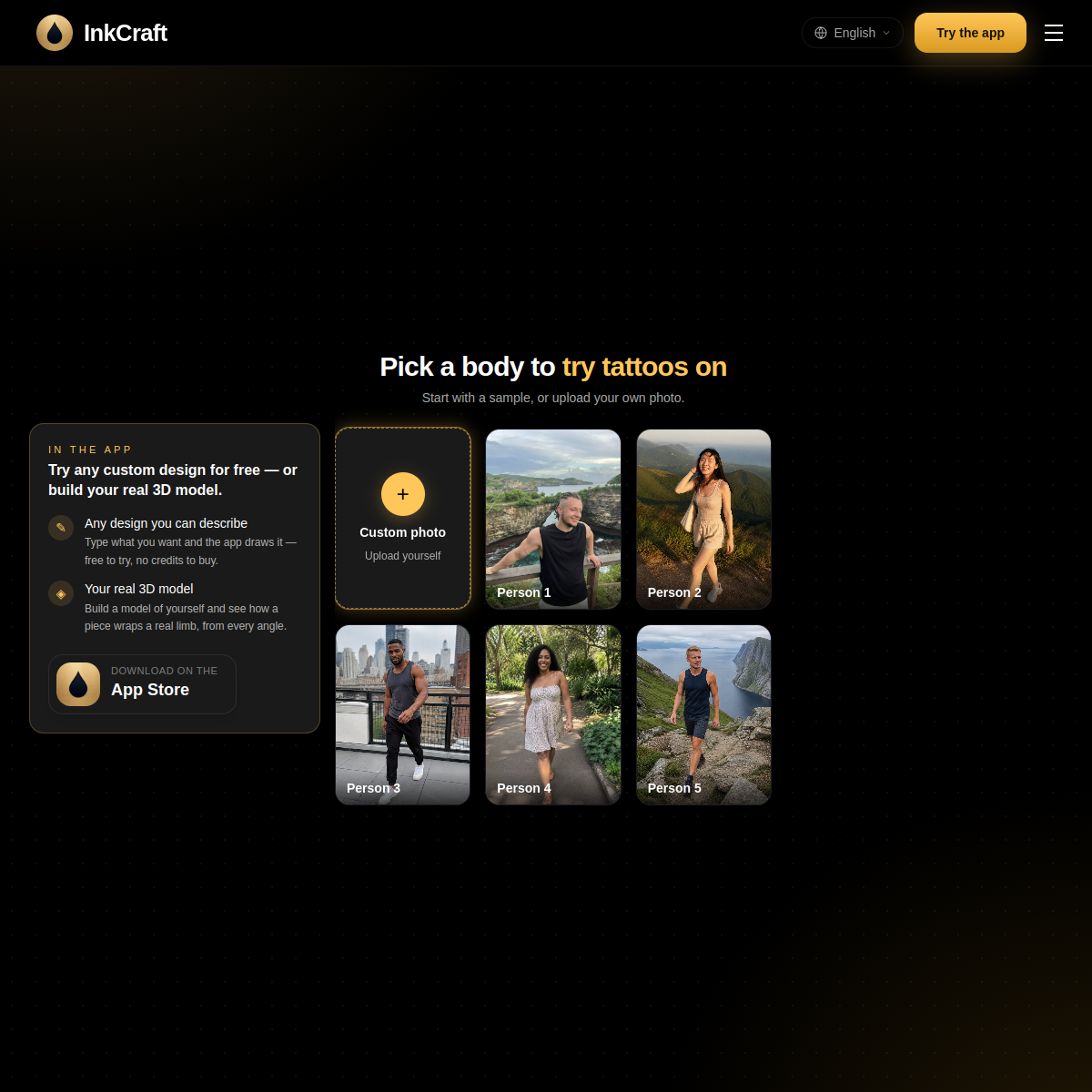
InkCraft is a free browser tattoo try-on: upload a photo, place a design, and see it on your skin in seconds — no app, no account. The technical hook is that placement uses a 3D model of your body, so previews follow the real curves of an arm, ribcage or collarbone instead of lying flat like a sticker. You can browse thousands of original designs by theme, body part and style, generate custom designs from a text description, or convert any tattoo photo into a clean reusable design. There's a companion mobile app and a library of 700+ designs.\n\nWho it's for: anyone considering a tattoo who wants to see it on their actual body before committing to something permanent, tattoo artists who want a fast client-preview tool, and people deciding on placement and sizing. The browser-first, no-signup flow removes every excuse to skip the preview step — which is exactly the step people skip and later regret. Quality of the body-warping will vary by photo angle and lighting; test with a photo of the actual body area you're considering.
At a glance
What it is
Free in-browser tattoo try-on that follows your body's curves
Pricing
Freemium
Primary category
Design
Source code
Closed source / hosted
What to consider before using InkCraft
InkCraft is one of many tools in its category. Before committing to it, weigh a few practical points that tend to decide whether a tool actually fits your work:
- Match the tool to your real task, not to its feature count. A tool that excels at your specific job beats one with a longer checklist you will never use.
- Check how it fits your existing workflow — integrations, export formats, and whether the output needs heavy manual cleanup.
- Read the license and pricing terms for commercial use, especially if you plan to publish or resell what the tool produces.
We describe InkCraft and its alternatives honestly so you can compare on substance. Browse the similar tools below to see how it stacks up against other options in the same category.