Gorby
Privacy-first text analysis that steps out of your way
About Gorby
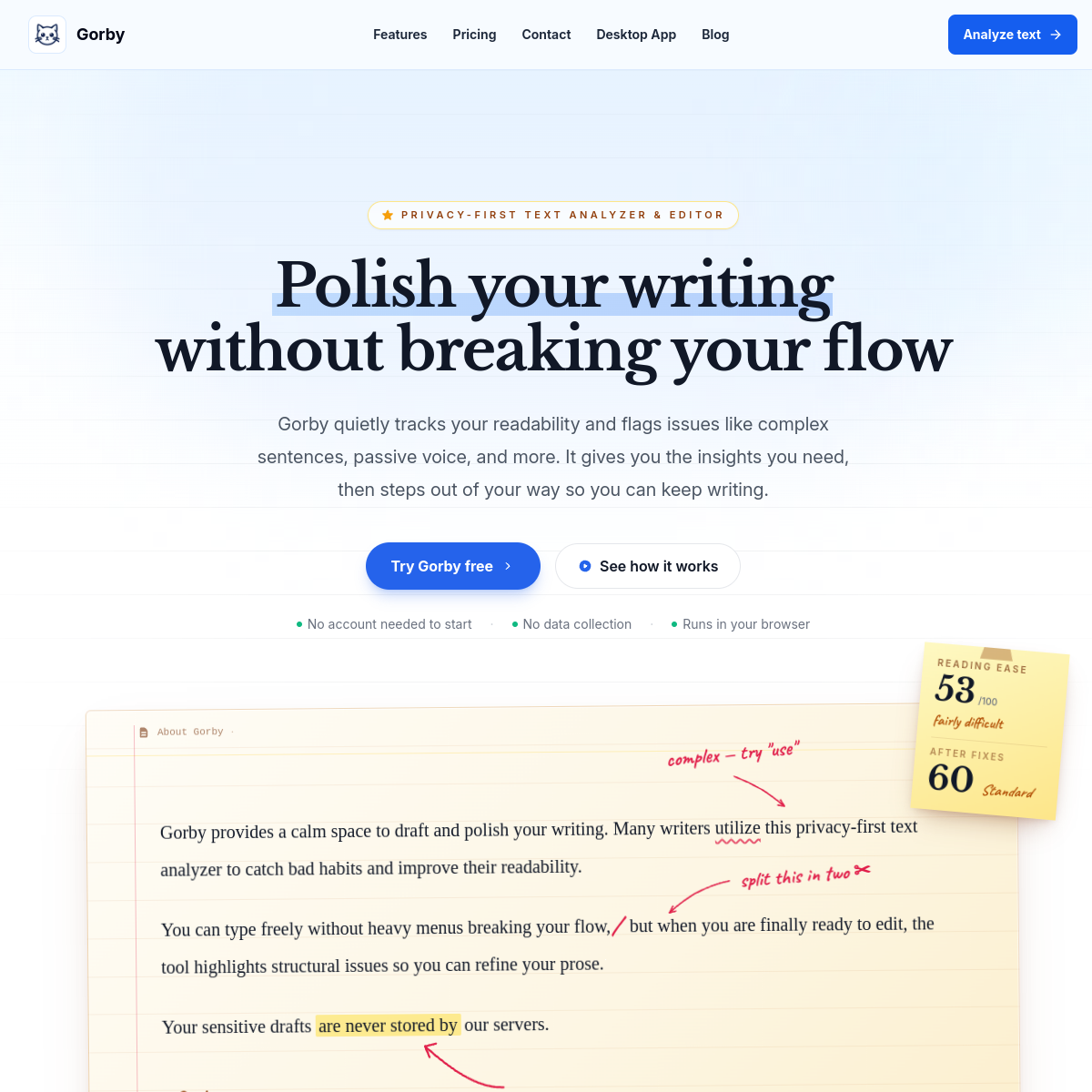
Gorby is a privacy-focused text analyzer and editor: it quietly tracks readability and flags complex sentences, passive voice, clichés, redundancy, overused words and article misuse while you write — giving you the insights and then stepping out of your way, rather than rewriting your sentences like a certain green-button overlord. Analysis runs locally in the browser, with readability scores, sentence-level analysis, keyword insights, focus mode, AI-assisted editing, text tags, writing goals and reports. Desktop app available; $12-59 plans.\n\n"Privacy-first" is a real differentiator here — lawyers, medical writers and anyone under confidentiality constraints can't paste their text into cloud analyzers, and local analysis solves that. Who it's for: professionals editing sensitive documents who want quality feedback without uploads, writers who find inline AI rewriting disruptive rather than helpful, and non-native English speakers working on article usage and sentence complexity. The quiet-assist design respects a truth most writing tools miss: the point is to make you a better writer, not to make you a prompt operator.
At a glance
What it is
Privacy-first text analysis that steps out of your way
Pricing
Paid
Primary category
Writing
Source code
Closed source / hosted
What to consider before using Gorby
Gorby is one of many tools in its category. Before committing to it, weigh a few practical points that tend to decide whether a tool actually fits your work:
- Match the tool to your real task, not to its feature count. A tool that excels at your specific job beats one with a longer checklist you will never use.
- Check how it fits your existing workflow — integrations, export formats, and whether the output needs heavy manual cleanup.
- Read the license and pricing terms for commercial use, especially if you plan to publish or resell what the tool produces.
We describe Gorby and its alternatives honestly so you can compare on substance. Browse the similar tools below to see how it stacks up against other options in the same category.