GeekLink
OCR subtitle extraction and 40-language translation, all local

About GeekLink
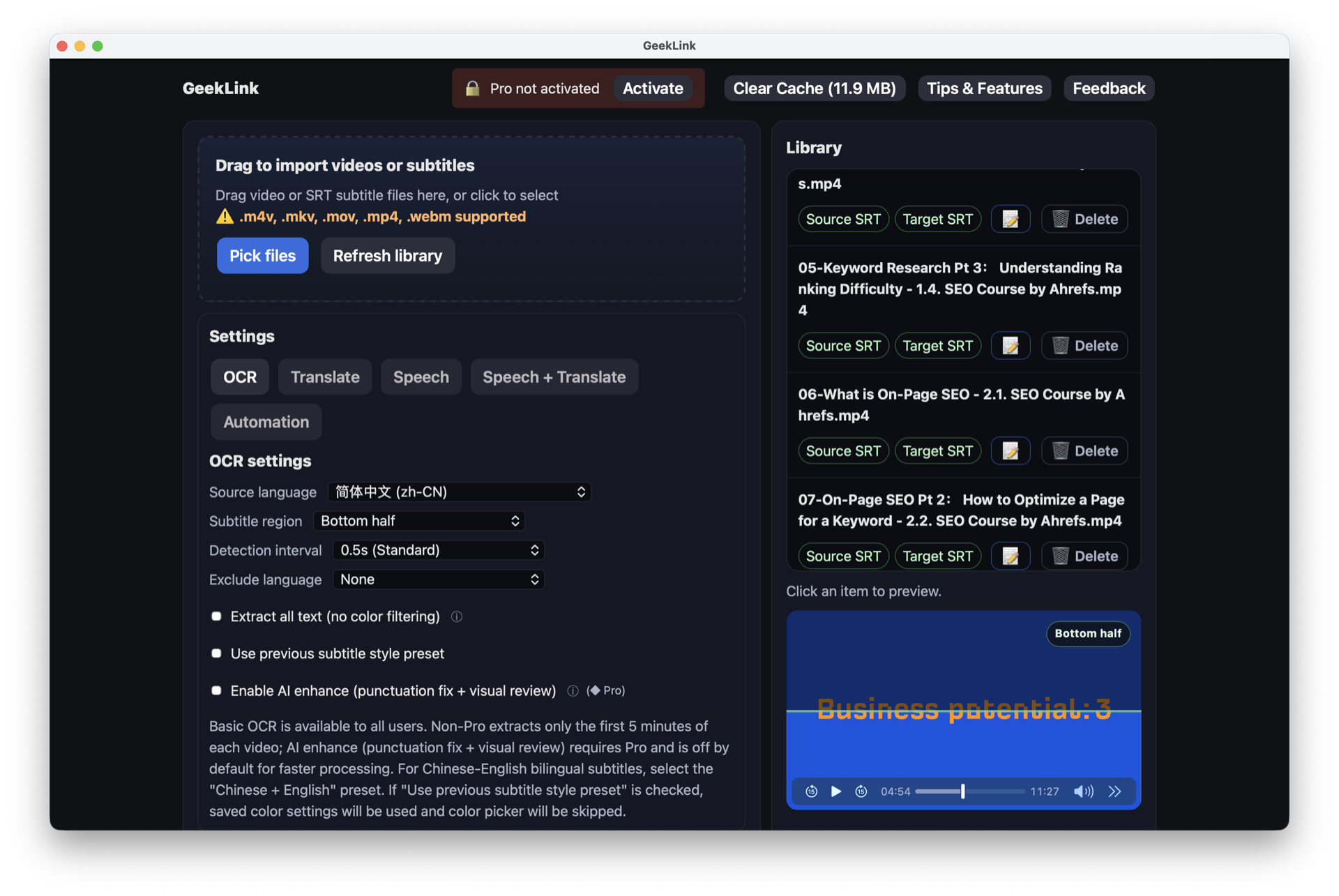
GeekLink is a desktop AI subtitle tool for Mac and Windows with three focused functions: extracting burned-in subtitles from video via OCR, transcribing speech to timestamped subtitles, and translating subtitle files into 40+ languages using Claude, GPT-4o or DeepSeek. Subtitle editing, review flags on lines needing a second pass, batch processing, SRT export and direct embedding into video round it out. Speech recognition and OCR run locally — nothing uploads.\n\nBurned-in subtitle OCR is the genuinely hard problem here, and it's the one most subtitle tools skip: a huge amount of existing video has subtitles baked into the pixels, and recovering them used to mean manual transcription. Who it's for: content repurposers turning existing video into new-language versions, archivists and fansubbers recovering subtitles from old footage, and translators who want a machine first-pass before human review. Local processing makes it viable for copyrighted or confidential material where upload-based tools are off the table. Free to start with v0.4.x still under active development — expect rough edges and update often.
At a glance
What it is
OCR subtitle extraction and 40-language translation, all local
Pricing
Freemium
Primary category
Productivity
Source code
Closed source / hosted
What to consider before using GeekLink
GeekLink is one of many tools in its category. Before committing to it, weigh a few practical points that tend to decide whether a tool actually fits your work:
- Match the tool to your real task, not to its feature count. A tool that excels at your specific job beats one with a longer checklist you will never use.
- Check how it fits your existing workflow — integrations, export formats, and whether the output needs heavy manual cleanup.
- Read the license and pricing terms for commercial use, especially if you plan to publish or resell what the tool produces.
We describe GeekLink and its alternatives honestly so you can compare on substance. Browse the similar tools below to see how it stacks up against other options in the same category.