EasyCircuit
AI circuit copilot — describe a project, get a guided build
About EasyCircuit
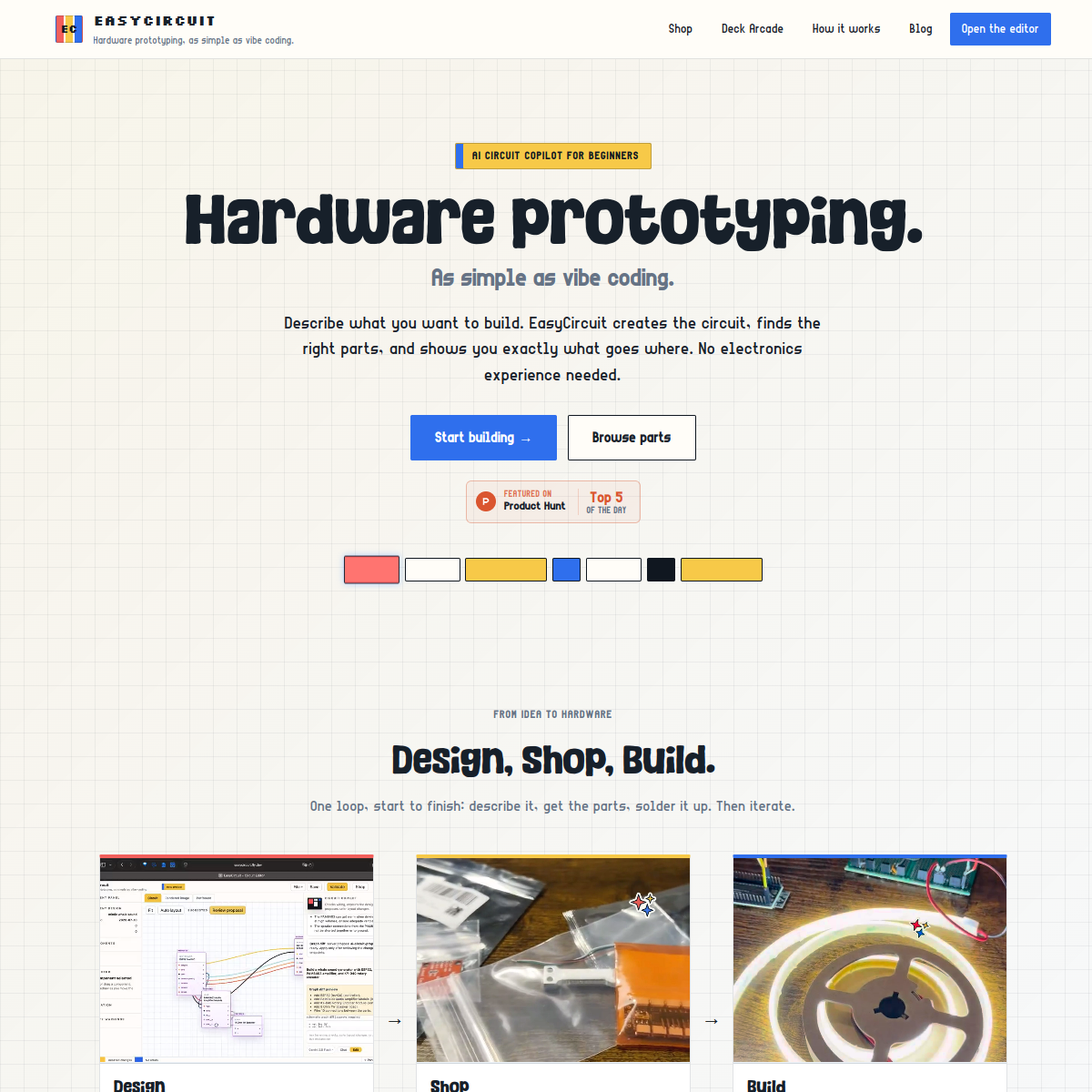
EasyCircuit makes hardware prototyping feel like vibe coding: describe an electronics project in plain language and the AI copilot designs the circuit, explains the schematic, picks compatible parts, and walks you through the first build step by step. Projects start on a breadboard, then move to soldered perfboard with real component footprints and pin orders. There's even a parts shop stocking the boards, displays, sensors and motors it designs around. The wedge is smart: software people can now "vibe code" firmware-adjacent projects without learning electronics from a textbook, and the AI explains why each connection matters instead of just dumping a schematic. Who it's for: software developers curious about hardware, hobbyists and students who bounce off datasheets, and educators teaching intro electronics. Honest limits: AI-generated circuits still deserve a healthy respect for mains voltage and current ratings — this gets you prototyping low-voltage projects confidently, not designing power supplies. As a first step into hardware, though, the guided path from idea to working breadboard is the friendliest I've seen.
At a glance
What it is
AI circuit copilot — describe a project, get a guided build
Pricing
Freemium
Primary category
Developer Tools
Source code
Closed source / hosted
What to consider before using EasyCircuit
EasyCircuit is one of many tools in its category. Before committing to it, weigh a few practical points that tend to decide whether a tool actually fits your work:
- Match the tool to your real task, not to its feature count. A tool that excels at your specific job beats one with a longer checklist you will never use.
- Check how it fits your existing workflow — integrations, export formats, and whether the output needs heavy manual cleanup.
- Read the license and pricing terms for commercial use, especially if you plan to publish or resell what the tool produces.
We describe EasyCircuit and its alternatives honestly so you can compare on substance. Browse the similar tools below to see how it stacks up against other options in the same category.