AutoSprite
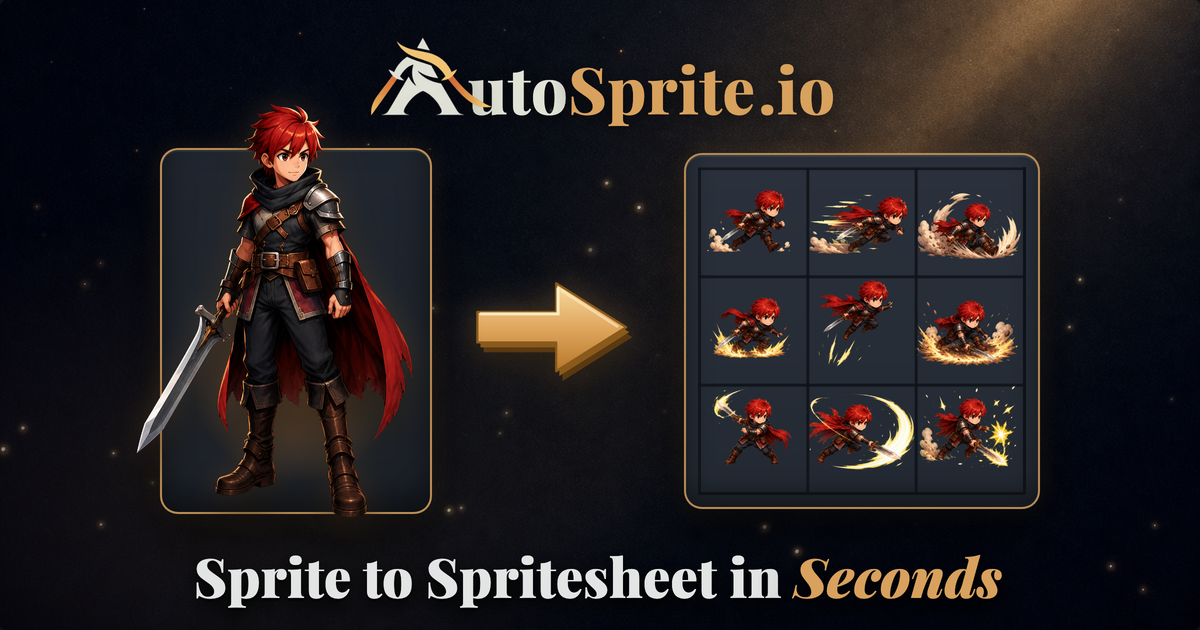
One sprite in, engine-ready spritesheets out — for Unity, Godot and more
About AutoSprite
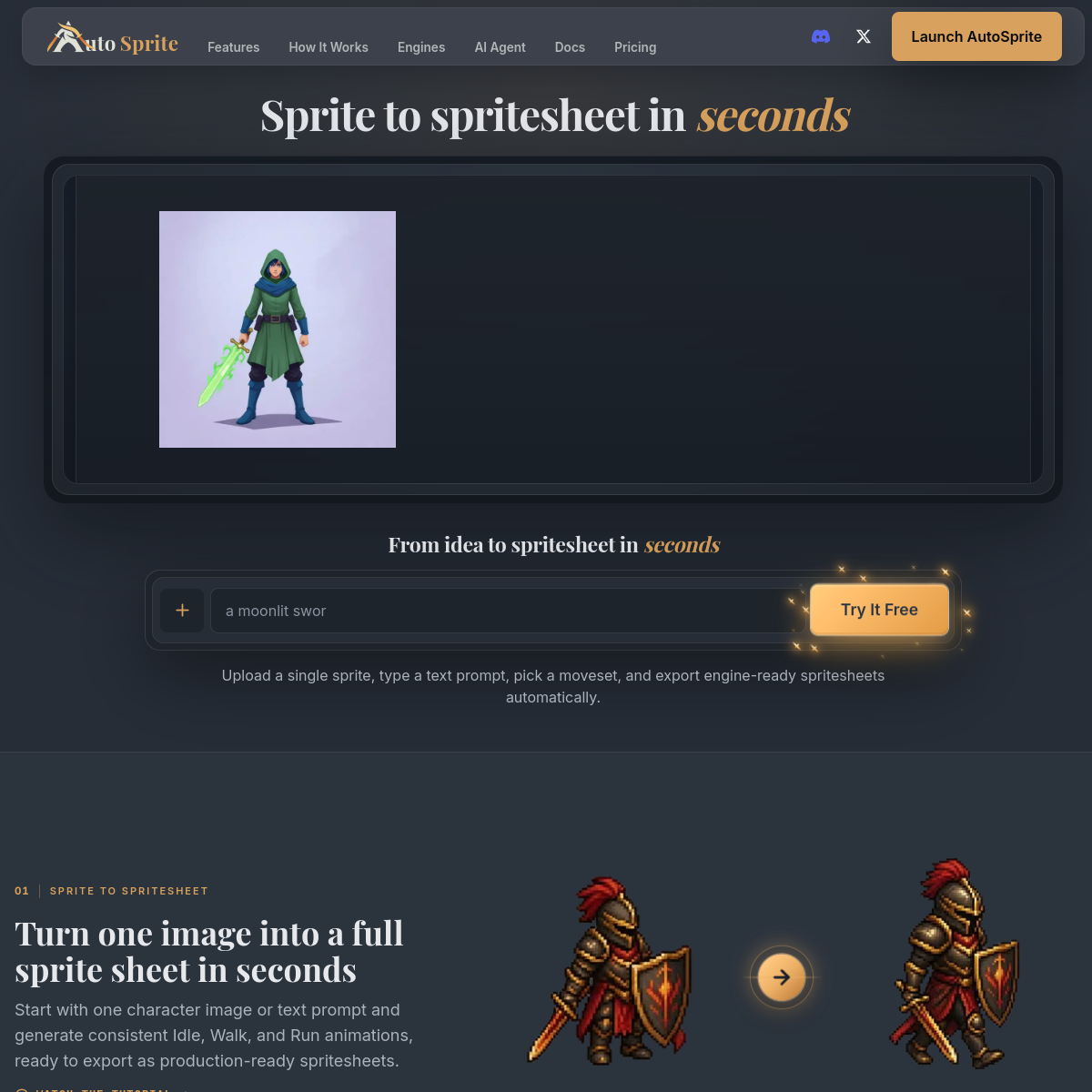
AutoSprite solves a specific, tedious game-dev chore: upload a single character sprite, pick or describe a moveset, and get a style-consistent spritesheet exportable to Unity, Godot, GameMaker, Phaser, Unreal and RPG Maker. It supports isometric views and multi-directional animations, game props and character outfit variations, and there's an AI agent mode for iterating on designs conversationally. Sprite sheets are one of those jobs that are simple in concept and miserable in practice — consistent framing, consistent style across frames, correct grid math per engine. Automating exactly that is a well-aimed wedge. Who it's for: indie game developers and jam participants who need NPC and enemy animations without commissioning pixel art for every frame, and artists who want a starting point to hand-retouch. Free to try with paid tiers for serious output. The usual AI-art caveat: output consistency across frames has improved fast but still varies by style — test with your actual character art before betting a game's visual identity on it.
At a glance
What it is
One sprite in, engine-ready spritesheets out — for Unity, Godot and more
Pricing
Freemium
Primary category
Design
Source code
Closed source / hosted
What to consider before using AutoSprite
AutoSprite is one of many tools in its category. Before committing to it, weigh a few practical points that tend to decide whether a tool actually fits your work:
- Match the tool to your real task, not to its feature count. A tool that excels at your specific job beats one with a longer checklist you will never use.
- Check how it fits your existing workflow — integrations, export formats, and whether the output needs heavy manual cleanup.
- Read the license and pricing terms for commercial use, especially if you plan to publish or resell what the tool produces.
We describe AutoSprite and its alternatives honestly so you can compare on substance. Browse the similar tools below to see how it stacks up against other options in the same category.