AI Garden Design
Turn one yard photo into a practical garden concept before moving any soil
About AI Garden Design
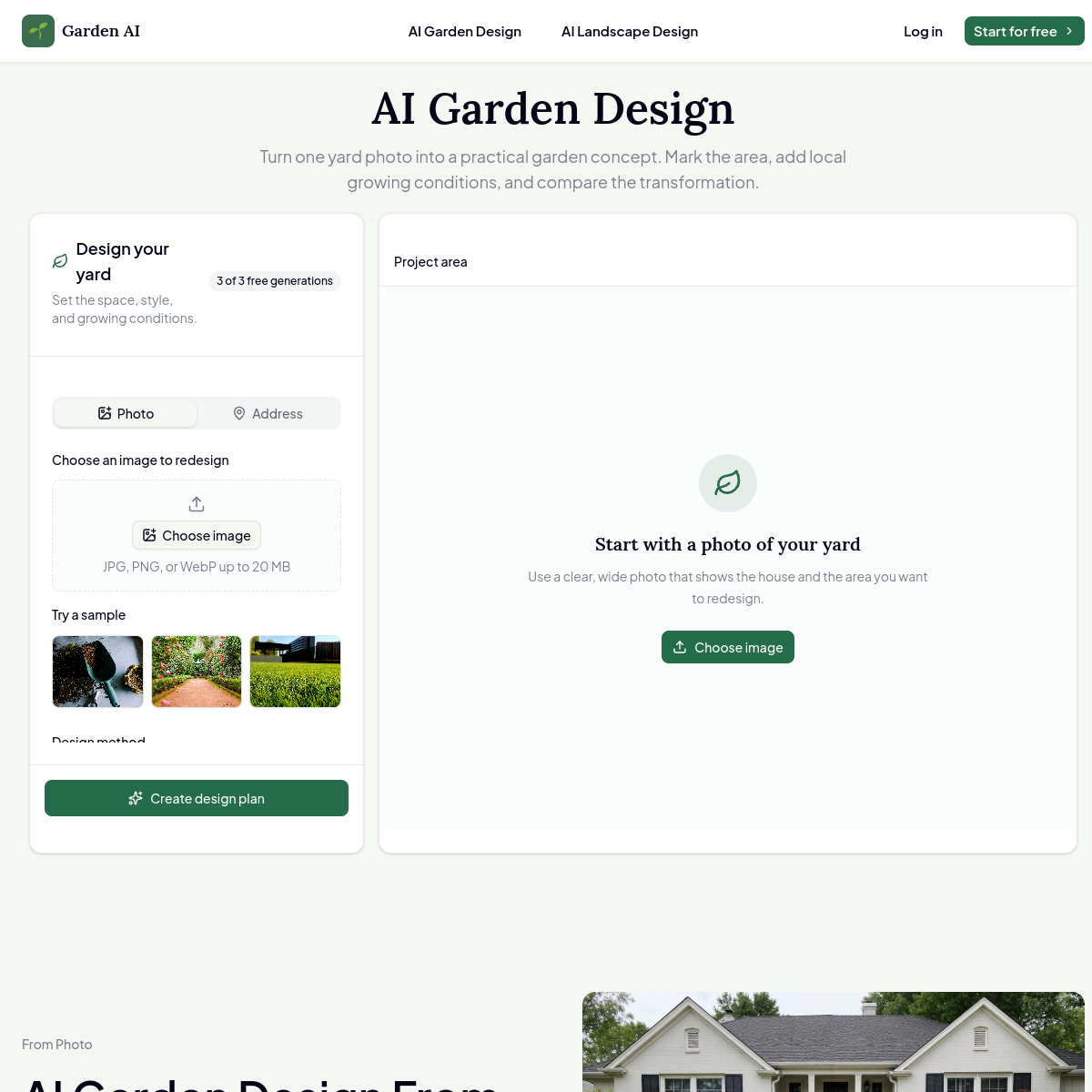
Most AI design tools I have tried just spit out a pretty picture and call it done. AI Garden Design does something different: it builds a written plan first, then renders the image. You upload a photo of your yard, mask off the areas you want to keep (the patio, the old oak, the kids swing set), pick from 16 garden styles, and tell it your USDA hardiness zone, sunlight, and terrain. Only then does it generate the visual.\n\nThat middle step matters more than you would think. I have watched friends blow thousands on plants that died within a season because nobody checked whether Mediterranean herbs survive a Minnesota winter. The plan-first approach forces you to confront your growing conditions before you get seduced by the render.\n\nThe style options run the gamut: English Garden, Cottage, Modern, Naturalistic, Tropical, Japanese, Rock Garden, even Edible Garden and Kids Play Area. Each one presumably pulls from a plant database matched to your climate. You get three free generations before the paywall kicks in, which is enough to test whether your actual yard works with the tool.\n\nWho is this for? Homeowners who want to redesign their landscaping without hiring a 5000 dollar landscape architect. The output will not replace a professional for anything complex (grading, drainage, retaining walls), but for visualizing what your boring front lawn could look like as a cottage garden, it gets you 80 percent of the way there in about five minutes.
At a glance
What it is
Turn one yard photo into a practical garden concept before moving any soil
Pricing
Free
Primary category
Design
Source code
Closed source / hosted
What to consider before using AI Garden Design
AI Garden Design is one of many tools in its category. Before committing to it, weigh a few practical points that tend to decide whether a tool actually fits your work:
- Match the tool to your real task, not to its feature count. A tool that excels at your specific job beats one with a longer checklist you will never use.
- Check how it fits your existing workflow — integrations, export formats, and whether the output needs heavy manual cleanup.
- Read the license and pricing terms for commercial use, especially if you plan to publish or resell what the tool produces.
We describe AI Garden Design and its alternatives honestly so you can compare on substance. Browse the similar tools below to see how it stacks up against other options in the same category.