SimplePages
AI landing pages that capture leads and take payments, live in minutes on your domain
关于 SimplePages
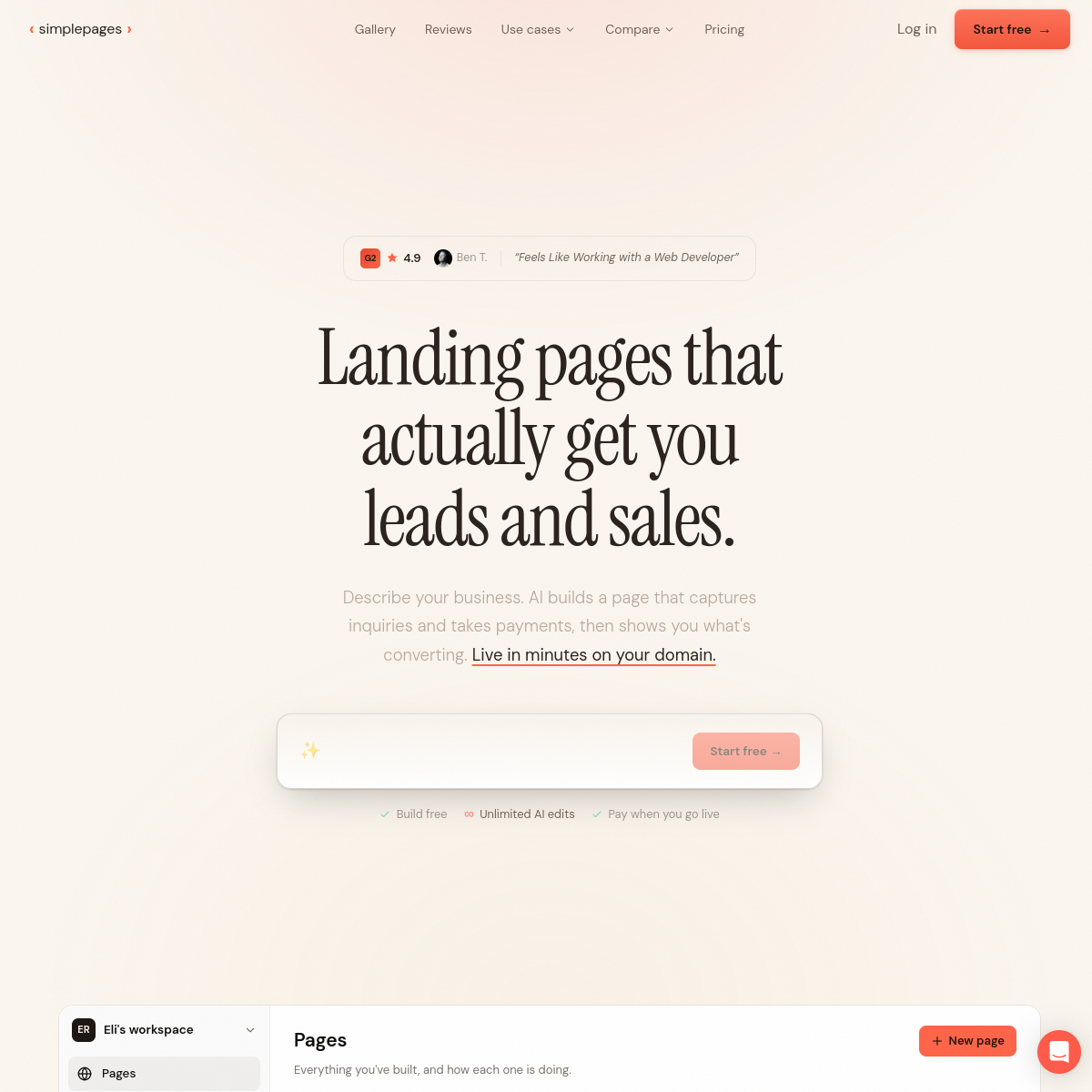
SimplePages frames its promise around outcomes rather than features: landing pages that actually get you leads and sales. The homepage flow is three sentences. Describe your business. AI builds a page that captures inquiries and takes payments, then shows you what is converting. Live in minutes on your domain. That last clause matters more than it looks, because most quick-page builders park your site on their subdomain and your leads live in their analytics, not yours.\n\nThe payment capture angle separates it from the generic page-builder crowd. A page that takes payments is a storefront, not a brochure, and pairing it with conversion visibility means the tool is selling business results rather than design pixels. The page carries a G2 rating of 4.9 with a customer quote that reads like the whole positioning in five words: feels like working with a web developer.\n\nThere is a gallery for judging output quality before signing up, a compare page that presumably argues its case against rivals, and use cases broken out separately, which suggests the team knows different buyers want different proof. Support is public at support@simplepages.ai.\n\nWho is this for? Solo founders, agencies shipping client campaigns, and small businesses that need a working lead-capture page this week rather than a design exploration. The test is honest and immediate: describe your actual business, put the draft page on your own domain, and watch whether the inquiry inbox or the payment notification arrives before your skepticism does.
概览
这是什么
AI landing pages that capture leads and take payments, live in minutes on your domain
定价
Freemium
主要分类
效率
源代码
闭源 / 托管型
使用 SimplePages 前需要考虑什么
SimplePages 是其所在分类中众多工具之一。在决定采用之前,建议权衡几个通常会决定一款工具是否真正适合你的实际问题:
- 把工具匹配到你的真实任务,而不是它的功能数量。在你具体要做的事上表现出色的工具,胜过功能清单更长但你永远不会用到的工具。
- 检查它如何融入你现有的工作流——集成、导出格式,以及产出是否需要大量手动清理。
- 如计划商用(发布或转售工具产出),请阅读商用授权与定价条款。
我们如实描述 SimplePages 及其同类替代,让你能基于实质进行对比。浏览下方相似工具,看看它与同类选项相比表现如何。