AutoSprite
One sprite in, engine-ready spritesheets out — for Unity, Godot and more
关于 AutoSprite
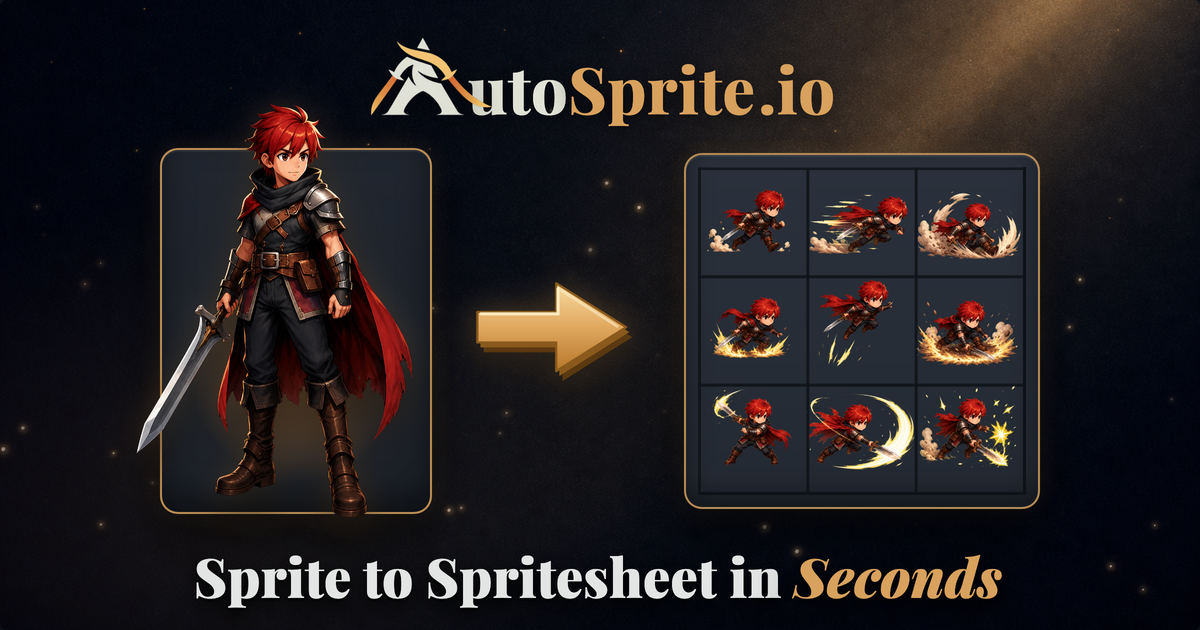
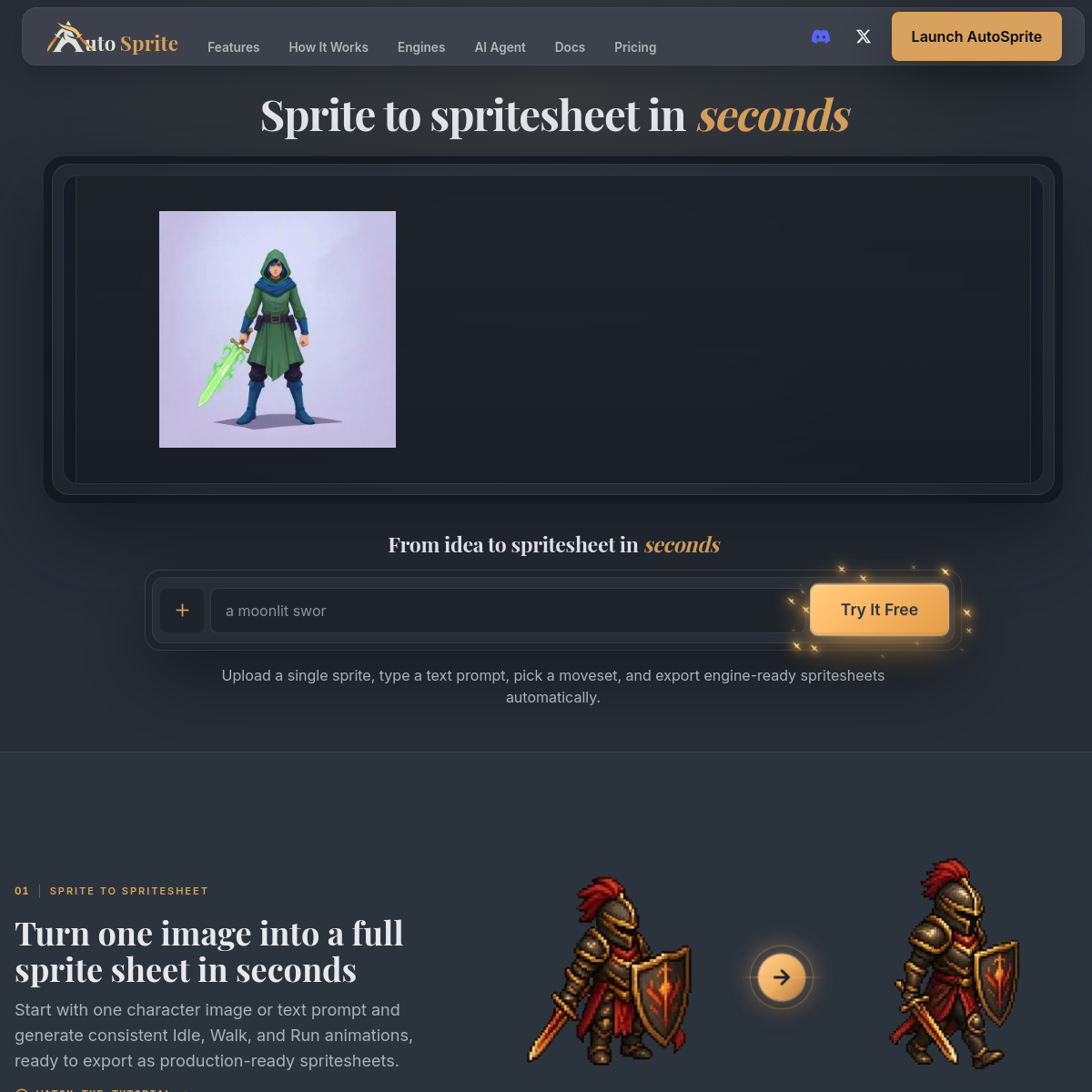
AutoSprite solves a specific, tedious game-dev chore: upload a single character sprite, pick or describe a moveset, and get a style-consistent spritesheet exportable to Unity, Godot, GameMaker, Phaser, Unreal and RPG Maker. It supports isometric views and multi-directional animations, game props and character outfit variations, and there's an AI agent mode for iterating on designs conversationally. Sprite sheets are one of those jobs that are simple in concept and miserable in practice — consistent framing, consistent style across frames, correct grid math per engine. Automating exactly that is a well-aimed wedge. Who it's for: indie game developers and jam participants who need NPC and enemy animations without commissioning pixel art for every frame, and artists who want a starting point to hand-retouch. Free to try with paid tiers for serious output. The usual AI-art caveat: output consistency across frames has improved fast but still varies by style — test with your actual character art before betting a game's visual identity on it.
概览
这是什么
One sprite in, engine-ready spritesheets out — for Unity, Godot and more
定价
Freemium
主要分类
设计
源代码
闭源 / 托管型
使用 AutoSprite 前需要考虑什么
AutoSprite 是其所在分类中众多工具之一。在决定采用之前,建议权衡几个通常会决定一款工具是否真正适合你的实际问题:
- 把工具匹配到你的真实任务,而不是它的功能数量。在你具体要做的事上表现出色的工具,胜过功能清单更长但你永远不会用到的工具。
- 检查它如何融入你现有的工作流——集成、导出格式,以及产出是否需要大量手动清理。
- 如计划商用(发布或转售工具产出),请阅读商用授权与定价条款。
我们如实描述 AutoSprite 及其同类替代,让你能基于实质进行对比。浏览下方相似工具,看看它与同类选项相比表现如何。